Introduction
Communities are one of the most valuable assets a creator, educator, coach, consultant, or business can build.
A thriving community creates engagement, trust, recurring interaction, and long-term loyalty. Whether your community exists on Discord, Facebook Groups, Slack, Circle, Skool, Mighty Networks, or your own platform, Pinterest can become a powerful source of new members.
Pinterest users actively search for:
- Learning communities
- Professional groups
- Networking opportunities
- Support communities
- Industry-specific groups
- Creator communities
- Business networks
- AI communities
Pinterest Community Promotion Pins help attract highly engaged people who want to learn, connect, and grow.
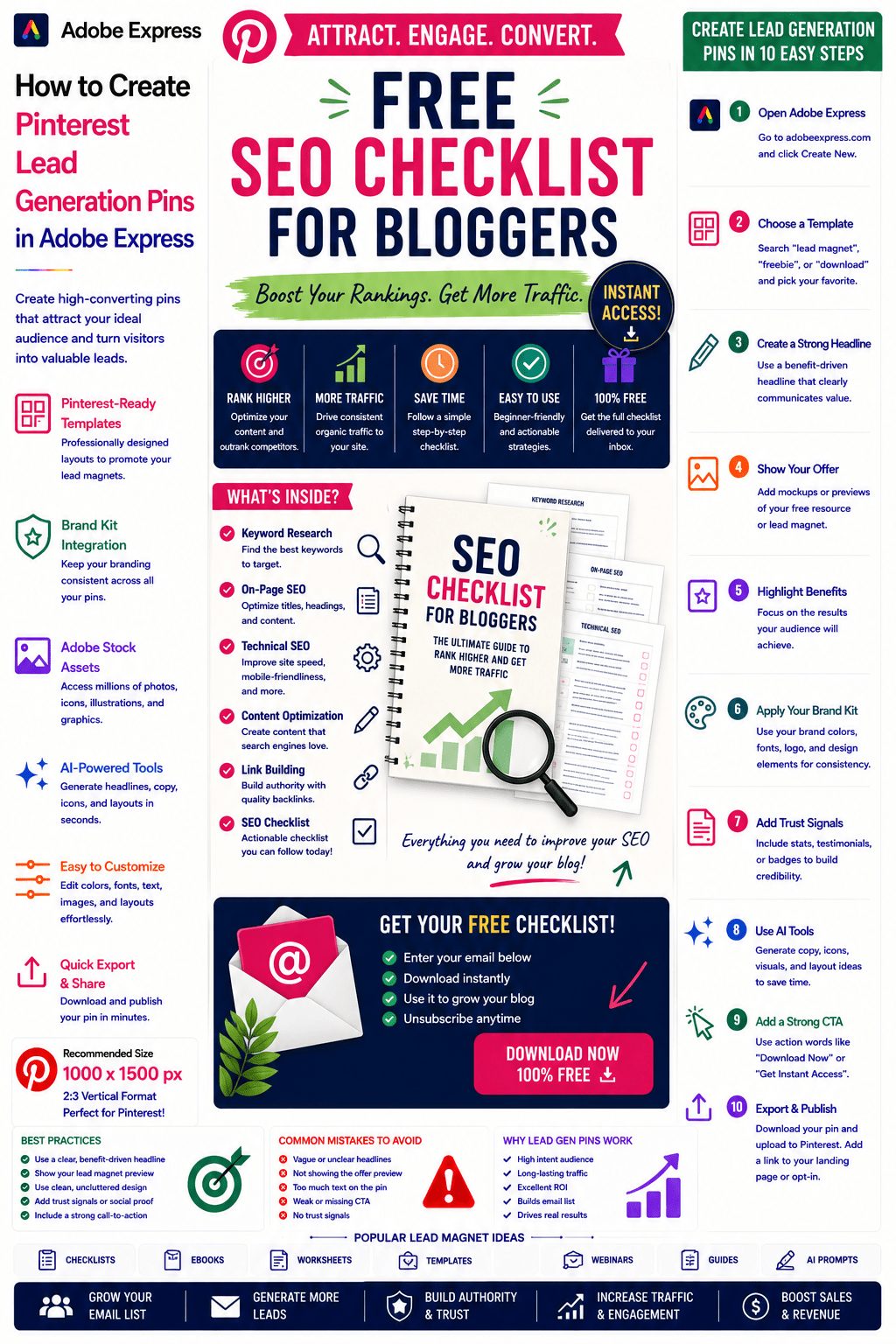
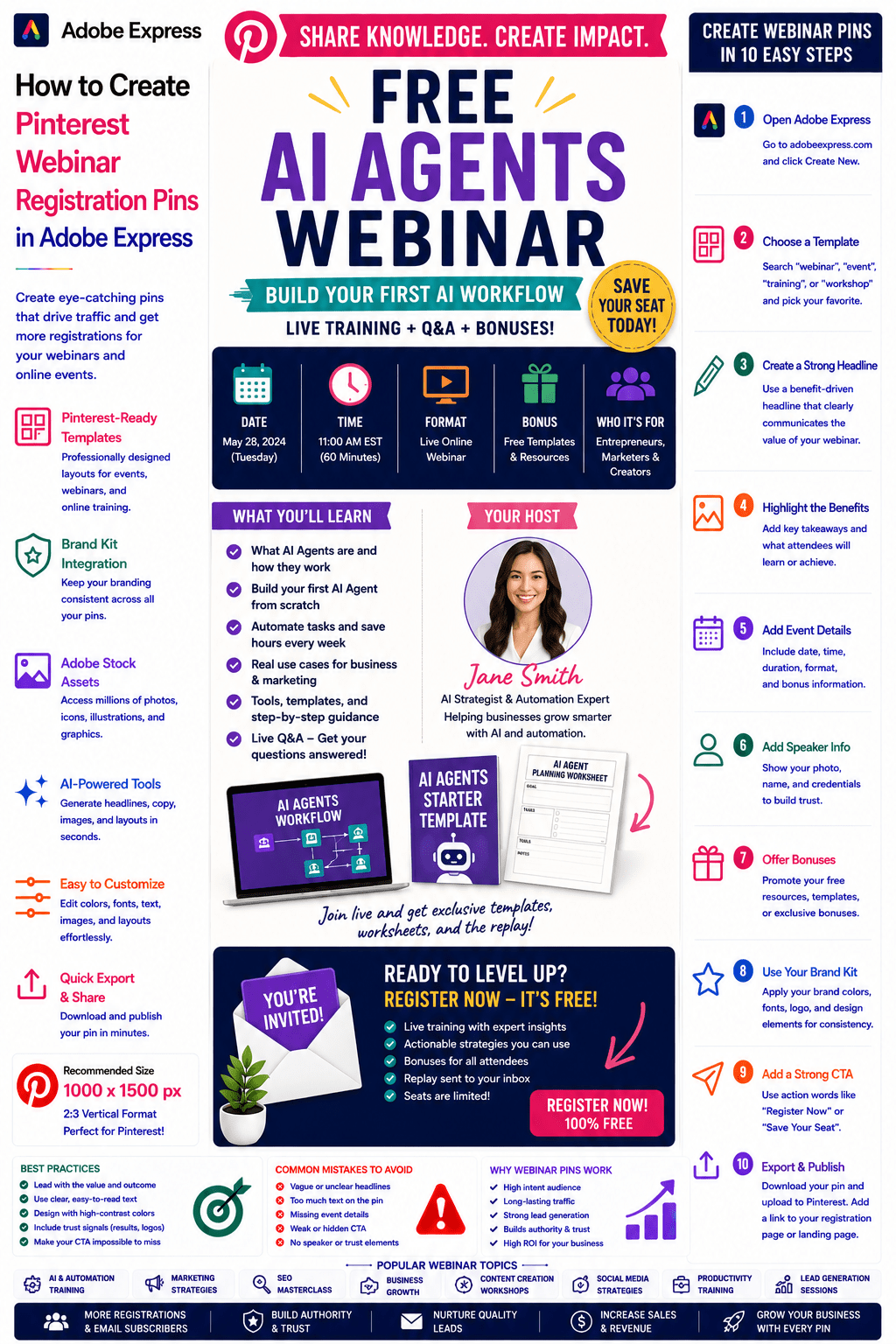
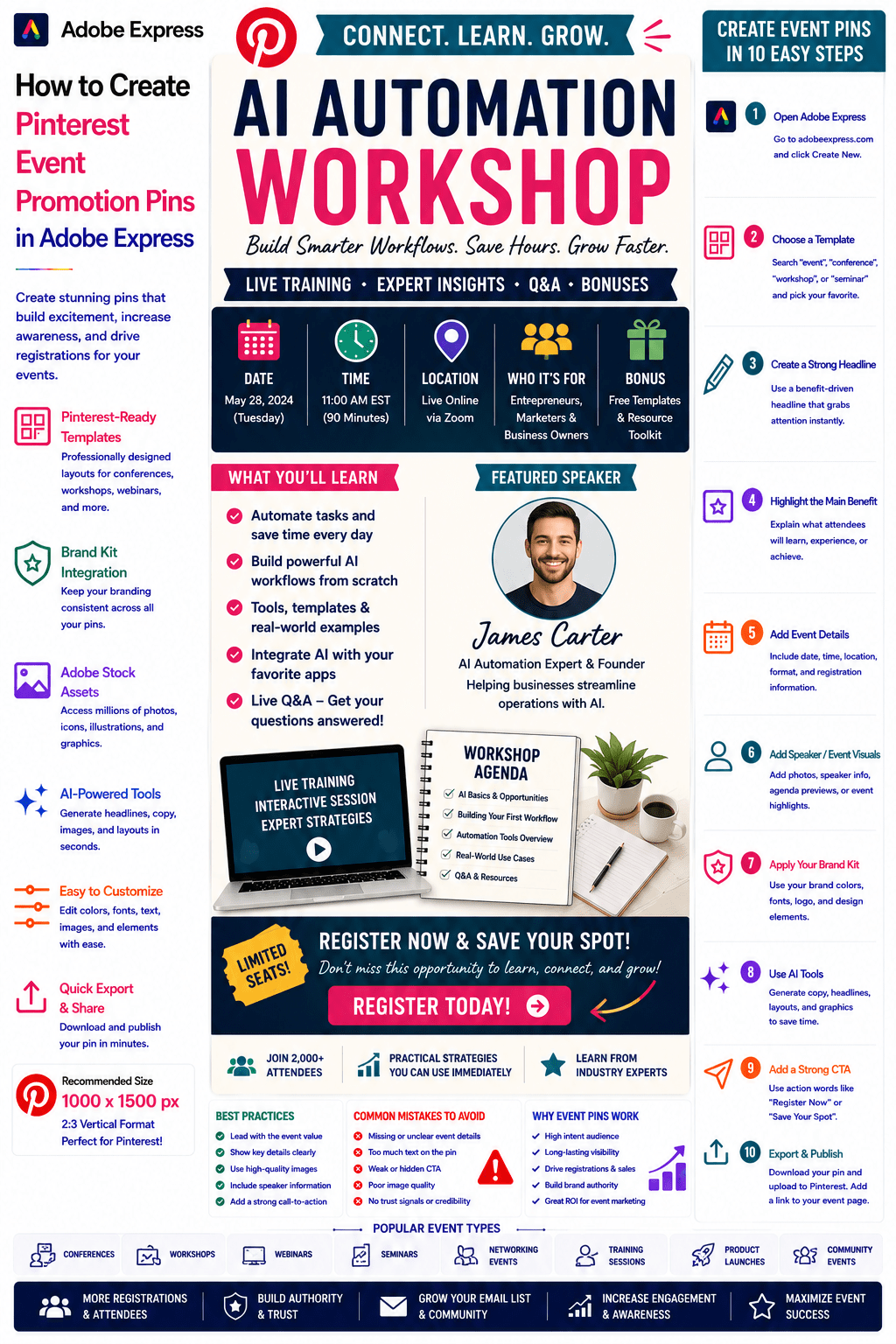
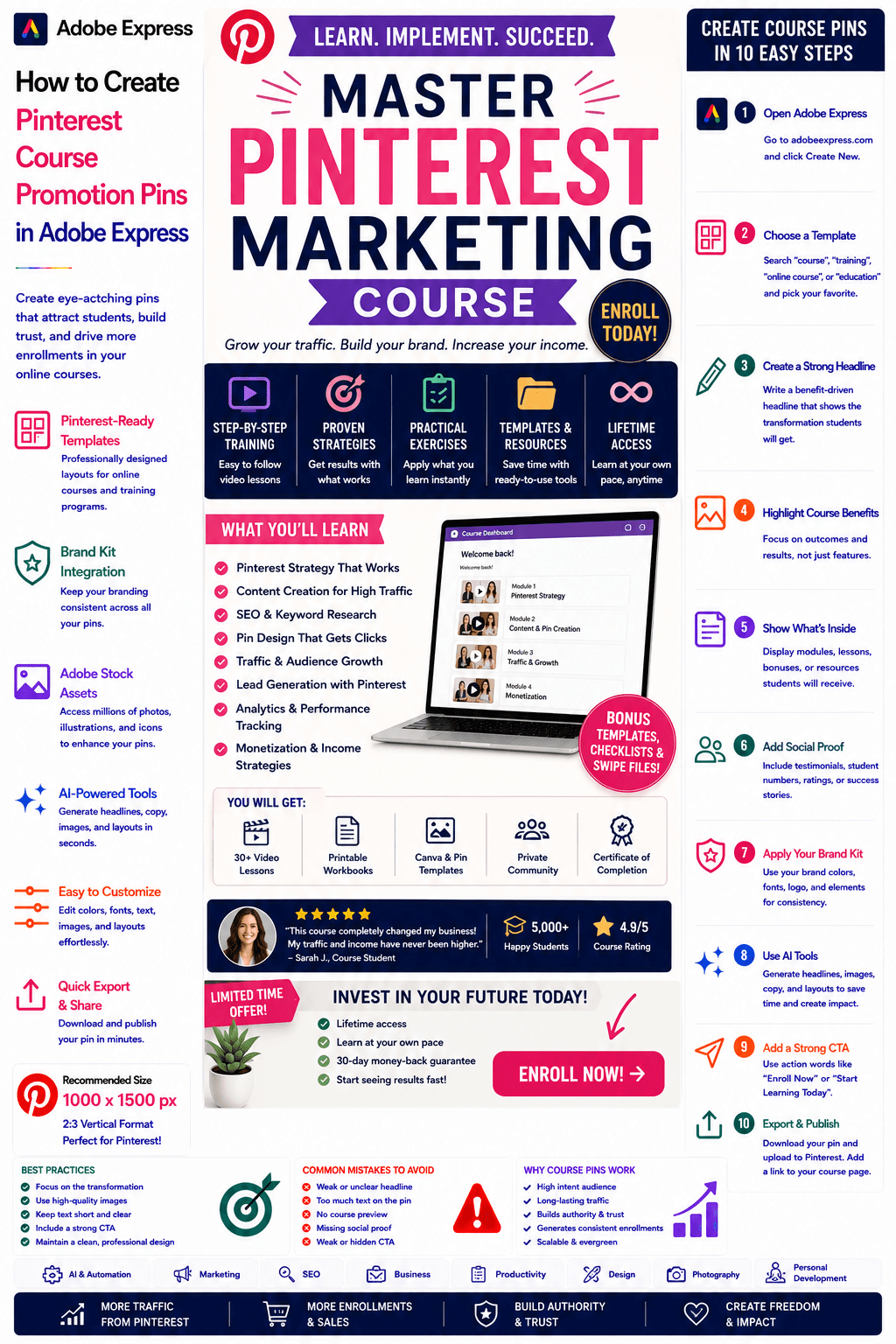
Adobe Express makes it easy to create professional Community Promotion Pins using:
- Pinterest templates
- Brand Kits
- AI-powered design tools
- Adobe Stock assets
- Community-focused layouts
- Fast export workflows
In this guide, you’ll learn how to create Pinterest Community Promotion Pins using Adobe Express.
What Are Pinterest Community Promotion Pins?
Community Promotion Pins are Pinterest graphics designed to encourage users to join a group, network, forum, membership, or community platform.
Examples include:
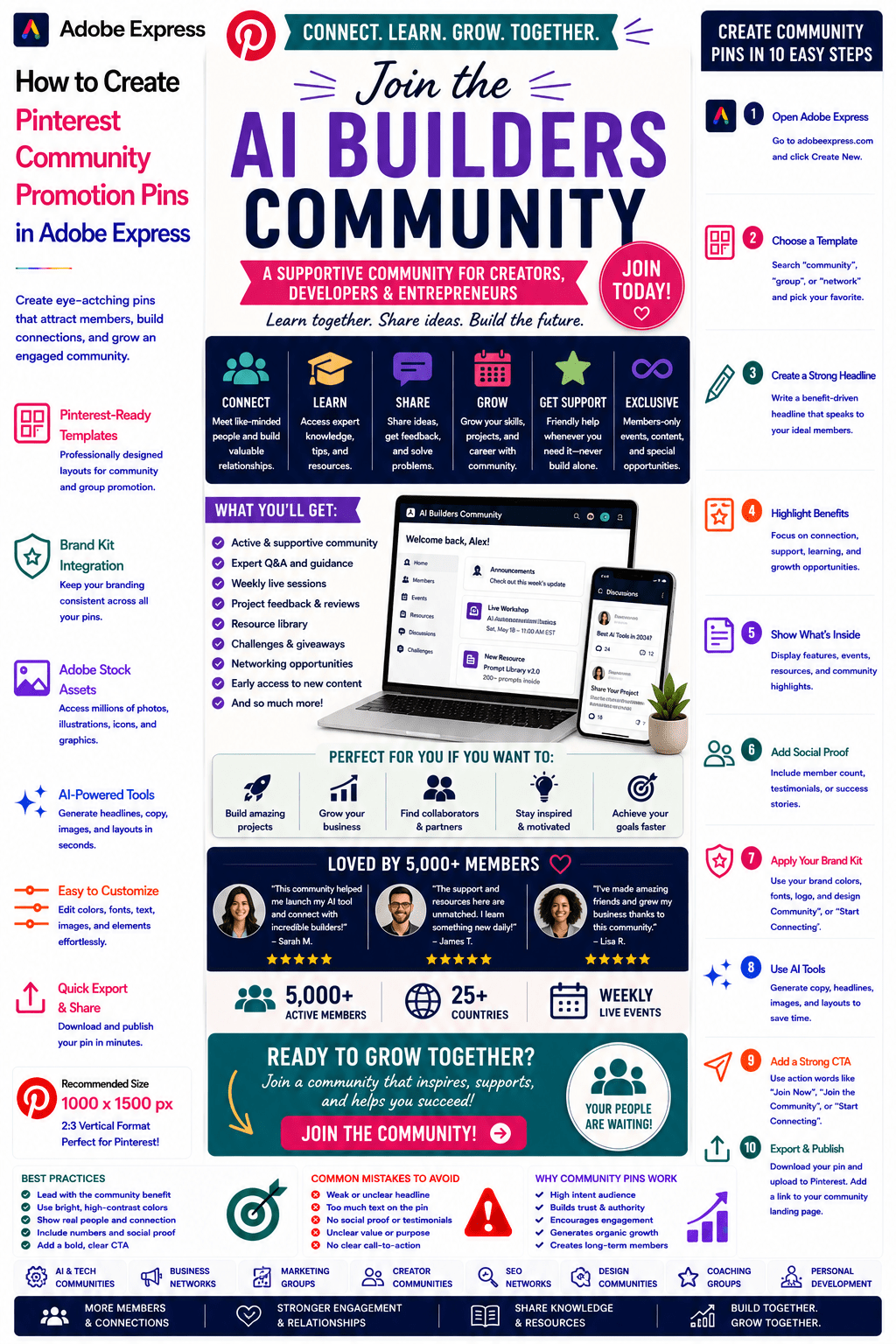
AI Builders Community
Marketing Mastermind Group
SEO Growth Network
Design Professionals Community
Entrepreneur Success Club
Creator Networking Hub
Productivity Community
Small Business Network
The objective is to attract members and build engagement.
Why Community Pins Perform Well
Pinterest users often seek support, education, and networking.
Benefits include:
Strong Sense of Belonging
People want to connect with like-minded individuals.
High Engagement
Communities encourage ongoing participation.
Long-Term Relationships
Members often remain active for extended periods.
Authority Building
Communities position you as a leader.
Sustainable Growth
Communities can generate referrals and organic expansion.
Pinterest helps attract highly targeted audiences.
Best Community Niches for Pinterest
Popular community categories include:
Artificial Intelligence
Marketing
SEO
Business Growth
Entrepreneurship
Content Creation
Design
Personal Development
Productivity
Coaching
Focus on communities that solve a specific need.
Recommended Pinterest Pin Size
Pinterest recommends:
1000 × 1500 Pixels
2:3 Vertical Format
Adobe Express includes Pinterest-ready templates optimized for community growth.
Step 1: Open Adobe Express
Sign in to Adobe Express.
From the dashboard:
Click Create New
or
Search Pinterest Templates
Adobe Express offers community and group promotion templates.
Step 2: Choose a Community Promotion Template
Browse categories such as:
Community
Networking
Business
Education
Membership
Social Groups
Select a layout that emphasizes connection and value.
Step 3: Create a Strong Headline
Examples:
Join the AI Builders Community
Marketing Professionals Network
SEO Success Community
Creator Growth Hub
Business Leaders Network
The headline should focus on belonging and transformation.
Step 4: Highlight Community Benefits
Examples:
Networking Opportunities
Expert Guidance
Live Events
Community Support
Resource Sharing
Peer Learning
Focus on the value members receive.
Step 5: Showcase Community Features
Examples:
Discussion Forums
Live Calls
Resource Libraries
Group Challenges
Networking Sessions
Member Events
Show users what makes the community valuable.
Step 6: Apply Your Brand Kit
Adobe Express Brand Kits simplify branding.
Apply:
Brand Colors
Brand Fonts
Logos
Design Assets
Consistent branding builds trust.
Step 7: Add Social Proof
Examples:
5,000+ Members
Success Stories
Testimonials
Member Wins
Community Milestones
Social proof significantly improves conversion rates.
Step 8: Use Adobe Express AI Features
Adobe Express AI tools can generate:
Headlines
Community Graphics
Promotional Copy
Layout Variations
CTA Suggestions
AI helps speed up content creation.
Step 9: Add a Strong Call-to-Action
Examples:
Join the Community
Become a Member
Start Connecting
Join Today
Meet Like-Minded Professionals
Get Instant Access
Your CTA should stand out clearly.
Step 10: Export and Publish
When complete:
Save Project
Download Pin
Create Variations
Upload to Pinterest
Your Community Promotion Pin is ready.
Creating AI Community Pins
Examples:
AI Builders Community
Prompt Engineering Group
AI Startup Network
AI Automation Community
AI communities continue to grow rapidly.
Creating Business Community Pins
Examples:
Entrepreneur Network
Startup Founders Group
Business Growth Community
Leadership Circle
Business communities attract highly motivated professionals.
Creating Marketing Community Pins
Examples:
SEO Community
Content Marketing Group
Social Media Network
Lead Generation Community
Marketers frequently seek peer support and knowledge sharing.
Creating Creator Community Pins
Examples:
YouTube Creator Hub
Blogging Community
Influencer Network
Content Creator Mastermind
Creators benefit greatly from collaborative learning.
Creating Coaching Community Pins
Examples:
Productivity Community
Goal Achievement Group
Leadership Network
Accountability Community
Coaching communities often achieve strong retention and engagement.
Best Practices for Community Promotion Pins
Focus on Connection
People join communities for relationships.
Highlight Community Benefits
Show what members gain.
Use Social Proof
Build trust and credibility
Showcase Community Activity
Demonstrate engagement.
Include a Strong CTA
Encourage immediate participation.
These practices improve conversions.
Common Community Promotion Mistakes
Weak Value Proposition
Fails to explain why users should join.
No Social Proof
Reduces trust.
Too Much Text
Creates clutter.
Unclear Community Purpose
Makes the offer less compelling.
Weak CTA
Lowers membership growth.
Avoiding these mistakes improves results.
Example Workflow
Imagine promoting a community.
Community
AI Builders Network
Includes
- Networking
- Monthly Events
- Expert Sessions
- Resource Library
- Community Discussions
Benefit
Learn Faster and Build Better AI Projects
CTA
Join Today
This structure performs exceptionally well on Pinterest.
Why Adobe Express Is Ideal for Community Promotion Pins
Adobe Express combines:
Professional Templates
Brand Management
AI Design Tools
Community Promotion Layouts
Easy Editing
Fast Export
Pinterest-Friendly Formats
This makes it one of the easiest tools for promoting communities online.
Conclusion
Pinterest Community Promotion Pins are highly effective for attracting members, increasing engagement, building authority, and growing vibrant communities.
By combining templates, Brand Kits, AI-powered tools, and streamlined workflows, Adobe Express enables creators and businesses to create professional Community Promotion Pins quickly and consistently.
Whether you’re promoting AI groups, business networks, creator communities, coaching circles, or educational hubs, Adobe Express provides everything needed to create high-converting Community Promotion Pins.
Continue Learning Adobe Express
To learn more about Pinterest marketing, explore these guides:
- How to Create Pinterest Membership Promotion Pins in Adobe Express
- How to Create Pinterest Course Promotion Pins in Adobe Express
- How to Create Pinterest Event Promotion Pins in Adobe Express
For advanced marketing workflows, also read:
- Adobe Express Marketing Automation: The Complete Guide
- Adobe Express Content Calendars: The Complete Guide
- Adobe Express Workflow Automation: The Complete Guide