Educational content is one of the strongest-performing content categories on Pinterest.
People visit Pinterest to learn new skills, discover ideas, solve problems, and improve their knowledge. Educational Carousel Pins take this a step further by allowing creators to present information in a structured, multi-slide format that guides users through a topic.
Whether you’re teaching:
- Marketing concepts
- AI workflows
- SEO strategies
- Business frameworks
- Design principles
- Productivity systems
- Social media tactics
- Industry insights
Pinterest Educational Carousel Pins can generate traffic, saves, shares, and authority.
Adobe Express makes it easy to create professional educational carousel content using:
- Multi-page templates
- Brand Kits
- AI-powered design tools
- Adobe Stock assets
- Educational layouts
- Fast export workflows
In this guide, you’ll learn how to create Pinterest Educational Carousel Pins using Adobe Express.
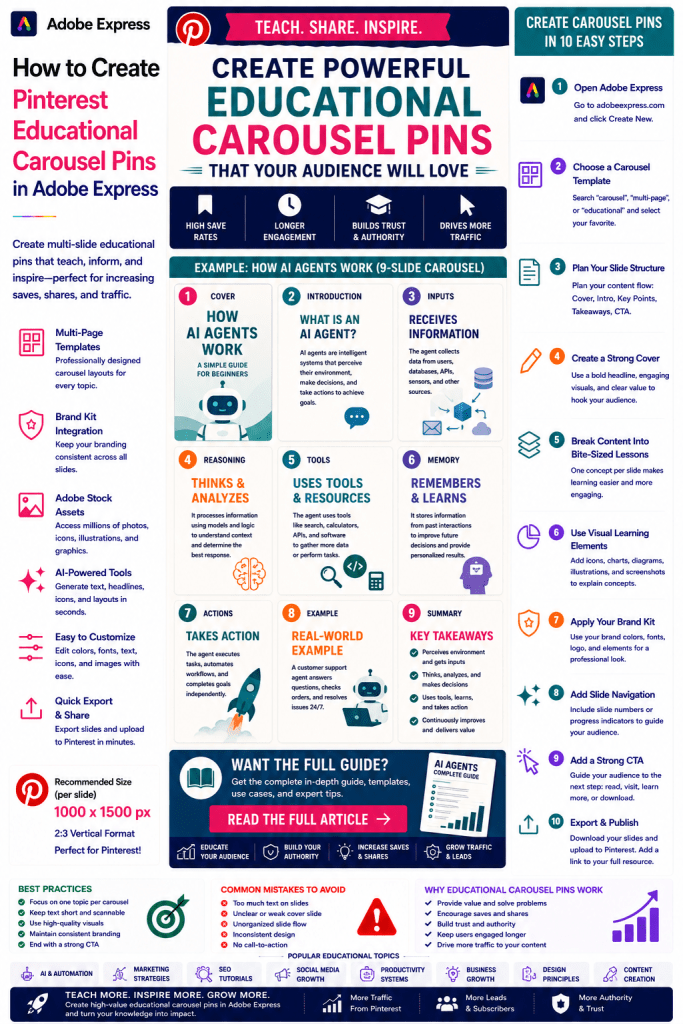
What Are Pinterest Educational Carousel Pins?
Educational Carousel Pins are multi-slide Pinterest graphics that teach a topic through a sequence of visual pages.
Examples include:
How SEO Works
AI Agent Fundamentals
5 Content Marketing Frameworks
Social Media Best Practices
Design Principles Explained
Productivity Systems
Blogging Tutorials
Business Growth Strategies
The goal is to educate while encouraging users to engage with your content.
Why Educational Carousel Pins Perform Well
Pinterest users actively seek learning opportunities.
Benefits include:
High Save Rates
Users often save educational content.
Longer Engagement
Multiple slides increase viewing time.
Better Knowledge Transfer
Complex ideas become easier to understand.
Increased Authority
Teaching builds credibility.
Strong Click-Through Rates
Users often want additional details.
Educational content has long-term value.
Best Topics for Educational Carousel Pins
Popular categories include:
Artificial Intelligence
Marketing
SEO
Blogging
Business
Productivity
Design
Social Media
Finance
Career Development
Choose topics that can be broken into clear steps or lessons.
Recommended Pinterest Carousel Format
Pinterest recommends:
1000 × 1500 Pixels Per Slide
Consistent Branding
Clear Navigation
Mobile-Friendly Design
Adobe Express supports multi-page design workflows.
Step 1: Open Adobe Express
Sign in to Adobe Express.
From the dashboard:
Click Create New
or
Search Carousel Templates
Adobe Express provides many educational layouts.
Step 2: Plan Your Slide Structure
A common structure includes:
Slide 1
Attention-Grabbing Cover
Slide 2
Introduction
Slide 3–7
Educational Content
Slide 8
Key Takeaways
Slide 9
Call-to-Action
Structure improves learning flow.
Step 3: Create a Strong Cover Slide
Examples:
How AI Agents Work
7 SEO Principles Every Beginner Should Know
The Complete Content Marketing Framework
Understanding Pinterest Marketing
The first slide determines whether users continue reading.
Step 4: Break Content Into Bite-Sized Lessons
Avoid overwhelming users.
Examples:
One Concept Per Slide
One Framework Per Slide
One Step Per Slide
One Insight Per Slide
This improves retention.
Step 5: Use Visual Learning Elements
Examples:
Icons
Diagrams
Charts
Screenshots
Illustrations
Process Flows
Visuals improve understanding.
Step 6: Apply Your Brand Kit
Adobe Express Brand Kits simplify branding.
Apply:
Brand Colors
Brand Fonts
Logos
Design Elements
Consistency builds recognition.
Step 7: Use Adobe Express AI Features
Adobe Express AI tools can generate:
Educational Graphics
Headlines
Icons
Layout Variations
Visual Concepts
AI accelerates production.
Step 8: Create Clear Slide Navigation
Examples:
Slide Numbers
Progress Indicators
Section Labels
Visual Dividers
Navigation improves user experience.
Step 9: Add a Strong Call-to-Action
Examples:
Read the Full Guide
Learn More
Visit Our Website
Download the Resource
Follow for More Tips
CTAs drive additional engagement.
Step 10: Export and Publish
When complete:
Save Project
Export Slides
Create Variations
Upload to Pinterest
Your Educational Carousel Pin is ready.
Creating AI Educational Carousels
Examples:
AI Agent Fundamentals
Prompt Engineering Basics
RAG Explained
Machine Learning Concepts
AI education continues to attract large audiences.
Creating Marketing Educational Carousels
Examples:
Content Marketing Frameworks
Lead Generation Systems
Email Marketing Principles
Customer Journey Maps
Marketing topics perform extremely well.
Creating SEO Educational Carousels
Examples:
Keyword Research
On-Page SEO
Technical SEO Basics
Link Building Strategies
SEO education generates long-term interest.
Creating Design Educational Carousels
Examples:
Typography Principles
Color Theory
UX Best Practices
Design Systems
Visual topics fit perfectly with Pinterest.
Creating Business Educational Carousels
Examples:
Business Models
Productivity Systems
Team Management
Startup Frameworks
Professional audiences appreciate structured learning.
Best Practices for Educational Carousel Pins
Focus on One Topic
Avoid mixing unrelated concepts.
Keep Slides Simple
Improve readability.
Use Visuals Generously
Enhance learning.
Maintain Consistent Branding
Strengthen recognition.
End With a CTA
Encourage the next step.
These practices improve performance.
Common Educational Carousel Mistakes
Too Much Text
Overwhelms users.
Poor Flow
Makes learning difficult.
Weak Cover Slide
Reduces engagement.
Inconsistent Design
Looks unprofessional.
No CTA
Misses opportunities for traffic.
Avoiding these mistakes improves results.
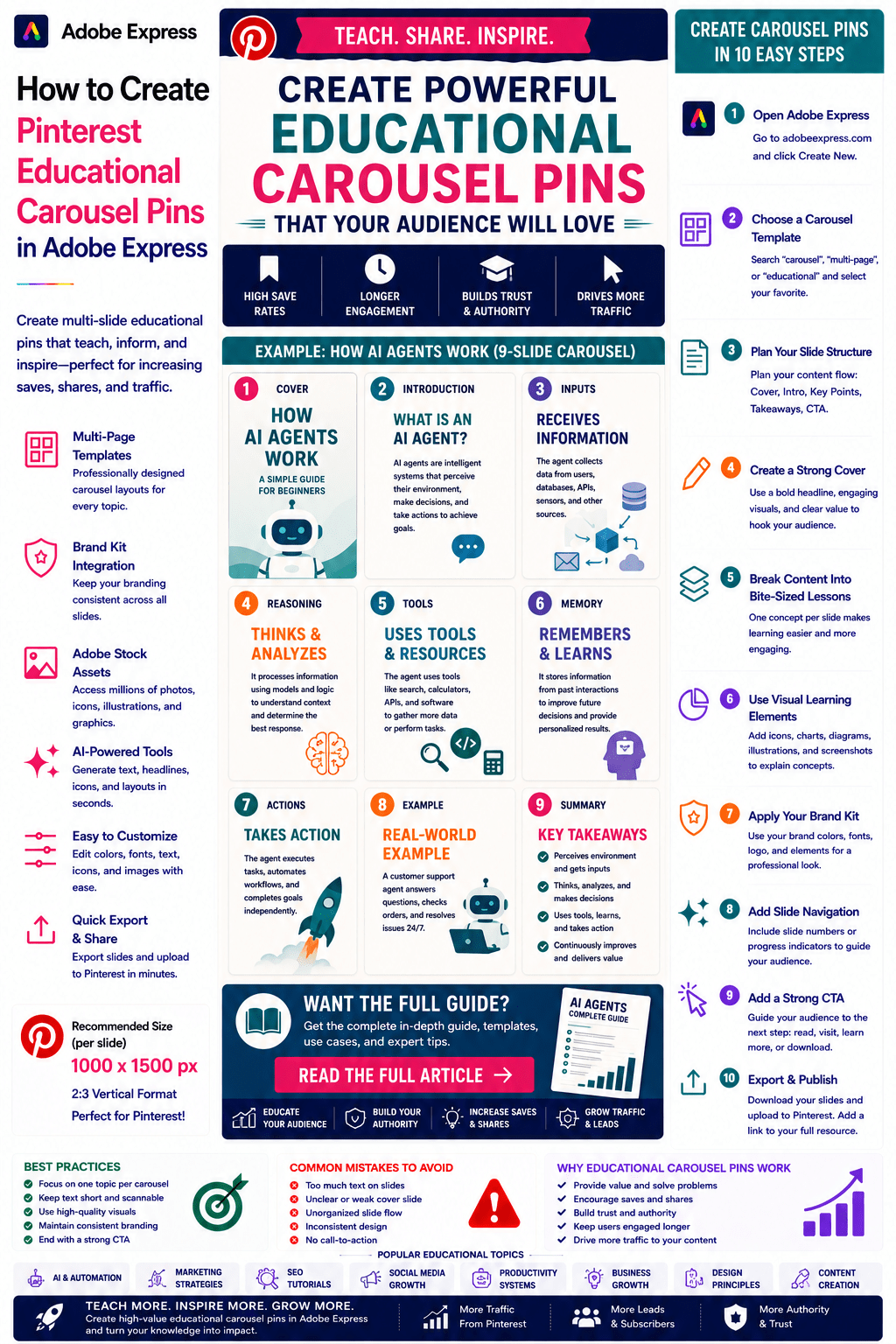
Example Workflow
Imagine creating a carousel.
Topic
How AI Agents Work
Slides
- Cover
- What Is an AI Agent?
- Inputs
- Reasoning
- Tools
- Memory
- Actions
- Summary
- CTA
This format is highly effective on Pinterest.
Why Adobe Express Is Ideal for Educational Carousel Pins
Adobe Express combines:
Multi-Page Templates
Brand Management
AI Design Tools
Educational Layouts
Easy Editing
Fast Export
Pinterest-Friendly Formats
This makes it one of the easiest platforms for creating educational content.
Conclusion
Pinterest Educational Carousel Pins are highly effective for teaching concepts, building authority, increasing engagement, and generating traffic.
By combining templates, Brand Kits, AI-powered tools, and streamlined workflows, Adobe Express enables creators and businesses to create professional educational carousel content quickly and consistently.
Whether you’re teaching AI, marketing, SEO, design, business, or productivity skills, Adobe Express provides everything needed to create high-performing Educational Carousel Pins.
Continue Learning Adobe Express
To learn more about Pinterest marketing, explore these guides:
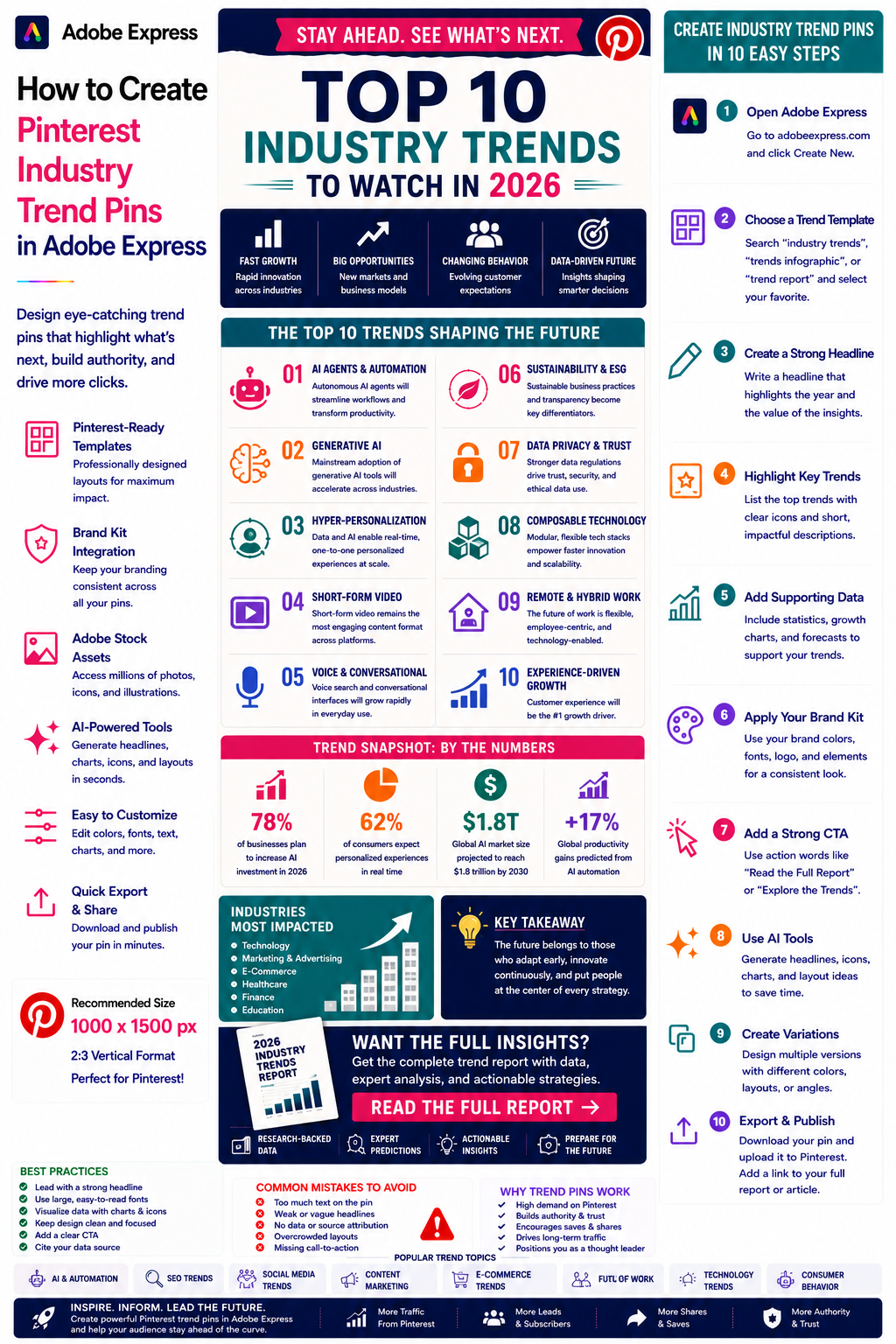
- How to Create Pinterest Industry Trend Pins in Adobe Express
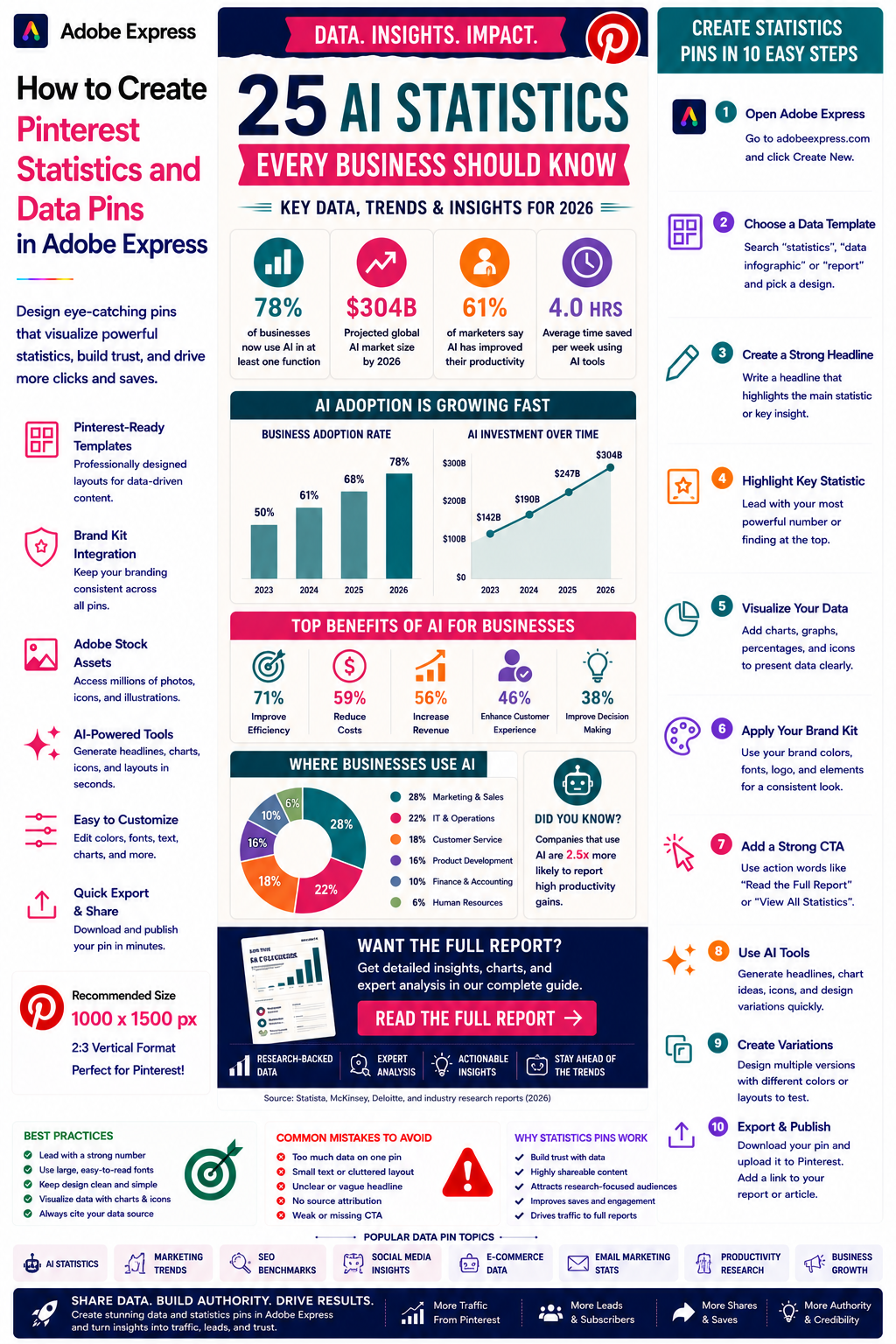
- How to Create Pinterest Statistics and Data Pins in Adobe Express
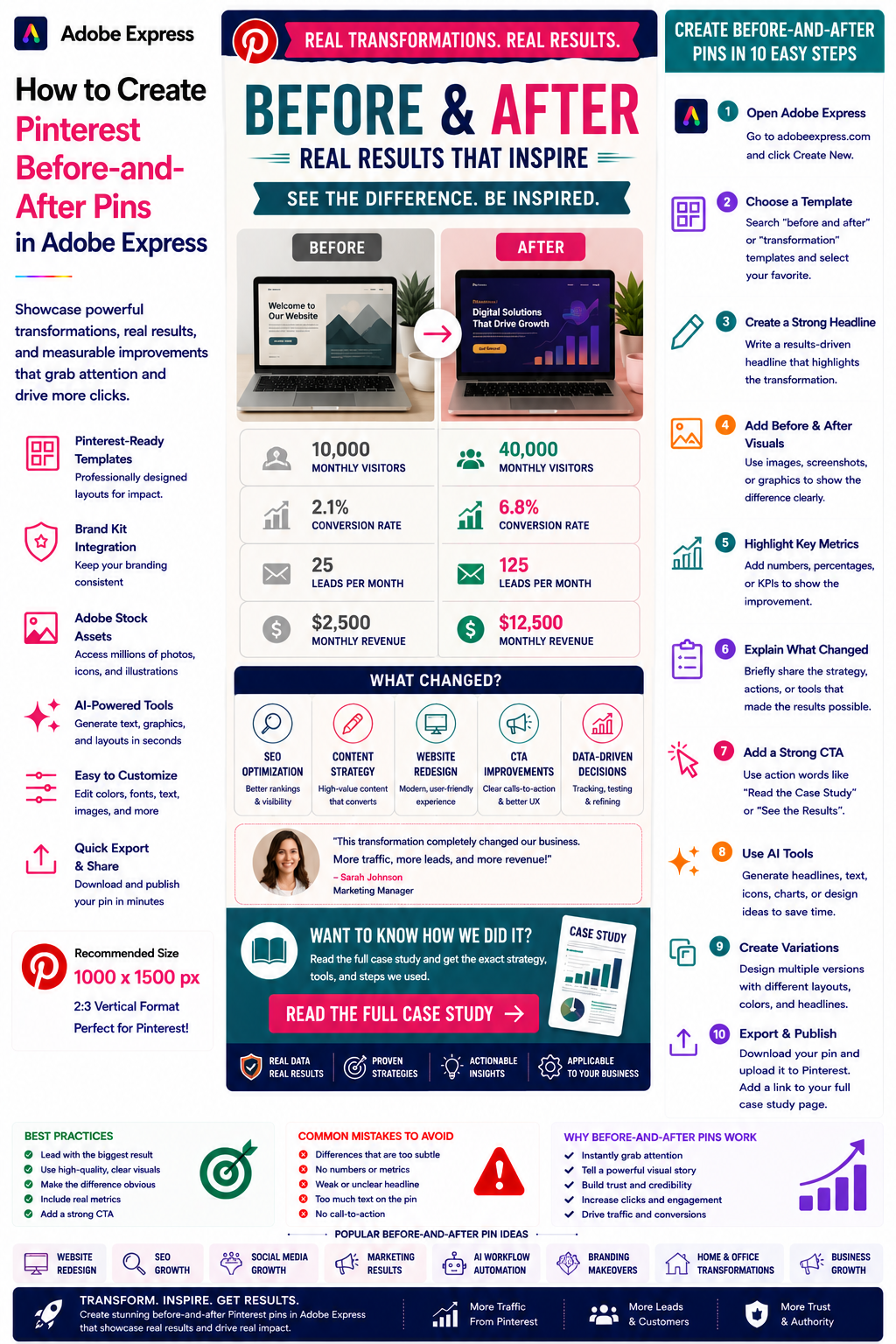
- How to Create Pinterest Before-and-After Pins in Adobe Express
For advanced content workflows, also read: